The browser motion graphics editor you don’t outgrow.
Every other online animation tool got simple by getting shallow. This one kept the graph editor, the expressions, the 3D and the whole compositing stack, then added an AI copilot that drives them for you. It runs in a tab.
If you know After Effects, you already know how to drive this.
Free to use. No credit card, no download, no trial countdown. Desktop browser.
- Real bezier graph editor
- Expressions on any property
- 54 effects
- 118 keyboard shortcuts
- Imports PSD, Lottie, SVG, AI
- Exports MP4, ProRes, WebM alpha
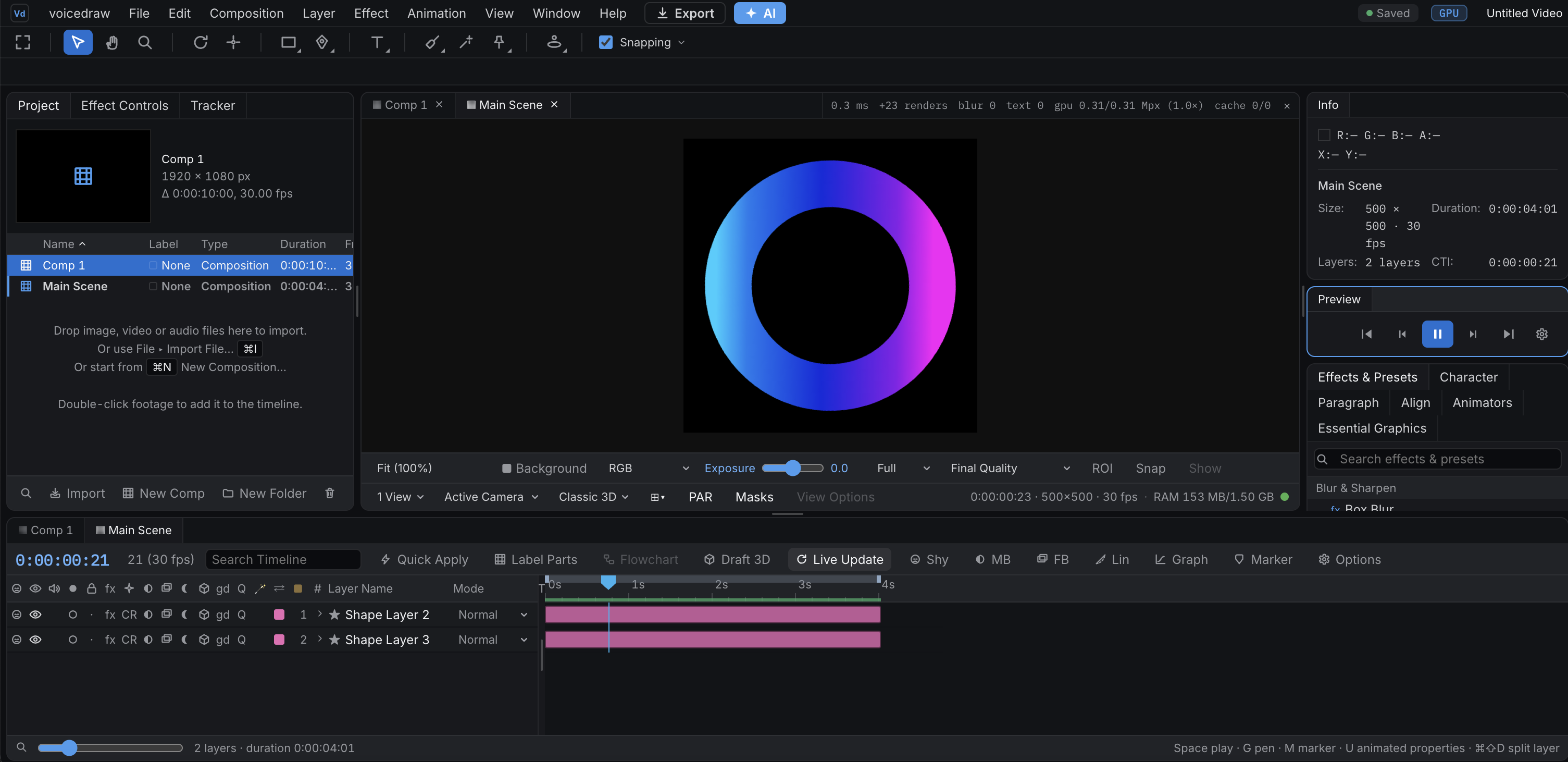
Not a mockup. That is the editor itself, running in a browser tab.
Everything the desktop version has, and nothing to install
Most things calling themselves an online animation tool are a form with a preview attached. The deep parts here are genuinely there, not approximated, and the reason people switch and stay is that nothing they reach for turns out to be missing.
A real graph editor
Easing is a curve you draw, not a preset you pick. Linear, bezier, hold and auto-bezier interpolation, independent ease in and out on every keyframe, roving keyframes, time remapping, and both value and speed graphs you shape by hand.
Expressions on any property
Build a behaviour once and drive a whole composition with it. Write JavaScript directly on any property, with wiggle, loopOut, seedRandom, sampleImage and sourceRectAtTime ready to use.
True 3D, lights and cameras
Push a layer into real depth instead of faking it. Perspective cameras with depth of field, point, ambient, spot and directional lights, genuine surface shading, and cast shadows you can soften and darken.
Per-character text animators
Type that performs, letter by letter. Animate position, scale, rotation, opacity, fill, tracking and blur per character, driven by range, wiggly and expression selectors stacked as deep as the shot needs.
The full shape toolkit
Draw once and let the operators do the work. Trim Paths, a Repeater with per-copy transforms, Round Corners, Offset Paths, Pucker and Bloat, Twist, Zig Zag, Wiggle Paths and Wiggle Transform, all stackable and all animatable.
Compositing that holds up
The layer stack behaves the way you expect it to. Every blend mode a professional pipeline needs including stencil and silhouette, track mattes, feathered masks, layer styles, adjustment layers, precomps and per-layer motion blur.
Also in the box: puppet-pin warping, a point motion tracker, null objects, guide layers, audio waveforms and audio-to-keyframes, markers, and essential properties for building comps you can reuse. See everything it does, or read how it runs on a Chromebook and on Linux, where After Effects cannot.
Everything that carries over from After Effects
The expensive part of changing tools was never the licence. It was the week you lose relearning where everything lives, and the projects you cannot open any more. Here is what you keep.
Your muscle memory
Keyframes, easing, the graph editor, masks, track mattes, precomps and nulls all mean here exactly what they mean there. 118 keyboard shortcuts, and the ones you reach for are the ones you already know, so the first hour is animating and not relearning.
Your artwork
A PSD opens as a fully layered composition with blend modes intact. SVG becomes editable vectors. PDF and Illustrator art comes in page by page. You are not rebuilding a project just to move it.
Your finishing standards
Curves, Levels and full colour grading, chroma key with a spill suppressor, Turbulent Displace, Corner Pin, Displacement Map, Fractal Noise, and a Gradient Ramp that does not band. Plus puppet-pin warping, a point motion tracker, guide layers, markers and audio-to-keyframes.
Your delivery specs
MP4, WebM with alpha, GIF, PNG and PNG sequences render in the browser. ProRes 422 HQ, ProRes 4444 with alpha, DNxHR HQ and QuickTime H.264 or HEVC render on the render service when a spec demands them.
The honest exception: native .aep files are a closed format nobody outside Adobe can read, so an existing project comes across by exporting it as Lottie first. Read the full guide to switching from After Effects.
An AI copilot that operates your editor, not one that replaces you
Knowing exactly how to build something and still having to build it is most of the job. So hand off that half. Describe a change the way you would say it to another animator and it lands on your timeline as real, editable keyframes: the same curves and layers you would have built by hand, built faster.
- “Stagger these twelve layers in, 3 frames apart.”
- “Ease everything out with a slow settle.”
- “Match this layer’s colour to the logo.”
- “Why does this layer disappear at 2:10?”
- “Retime the whole comp to 6 seconds.”
This is the part that matters: it edits your project, it does not replace it. Every change lands on the timeline where you can see it, one undo removes it, and the second you want to take over by hand, everything it made is already in a form you can grab and reshape.
Why the browser is the point
Your machine stays yours
No multi-gigabyte installer, no plugin manager, no Creative Cloud sitting in your menu bar updating itself. Rendering uses your GPU where there is one and steps down automatically where there is not, so playback stays smooth on an ordinary laptop and exports always render at full quality.
Your project is a URL
It saves locally as you work and syncs in the background, so closing the tab is a save and losing your connection is not an event. Sign in from a different machine and it is already open.
Review without exporting
Share a link and people see the real project rendered in their browser rather than a flattened upload, with comments pinned to the exact frame they are looking at.
Nothing here is a demo
A browser tool that claims professional depth should expect to be checked. So here is what holds it up, in terms you can verify rather than adjectives you cannot.
No phantom features
A test fails our build if any control in the app is a fake. Every button either works or is switched off with the reason written on it. The effects panel used to advertise hundreds of effects it did not have. We cut it back to the ones that genuinely apply, and the list is now generated from the engine itself so it cannot drift back.
A GPU pipeline that knows when not to use the GPU
WebGPU where your machine has it, WebGL2 and CPU underneath, and a cost model that measures the round trip and declines the GPU when it would be slower. On a heavy composite that is about three times faster. On a light one it correctly does nothing at all.
Your export comes out of the same engine as your preview
Server-side renders run your project through the identical code path in a headless browser, so a ProRes master matches the frame you signed off on. There is no separate render path to disagree with what you saw.
Built to be checked
The compositing engine is covered by thousands of tests, including suites that run against real GPUs and fuzz the GPU output against the CPU output frame by frame to catch any divergence. That is why we are comfortable telling you exactly what it does and does not do.
The work, not the toolset
Nobody opens a motion graphics tool for fun. They open it because something needs an intro, a title, a lower third or a sixty-second explanation by Thursday.
Logo intros and reveals
Scale it in, wipe it on with trim paths, or build a full reveal with lights and 3D depth. Shape every keyframe by hand, or describe the entrance and adjust from there.
Titles and kinetic typography
Titles that snap, captions that move with the words, and text that assembles itself character by character rather than fading in as one dead block.
Lower thirds and broadcast graphics
Name titles, straps and bugs that match a brand kit, built once as a reusable comp and re-titled for every episode in seconds.
Explainers and product demos
The sixty seconds that finally makes people understand what you built. Screenshots and screen recordings brought to life with masks, camera moves and callouts.
Social and short-form video
Cut, caption and animate for vertical formats without leaving the browser, then export straight to MP4, GIF or WebM with alpha, ready to post.
Lottie and SVG animation
Open a Lottie with its layers, keyframes, eases, masks and text intact, change what you need, and hand it back to the developers who are waiting on it.
Or open something that already moves
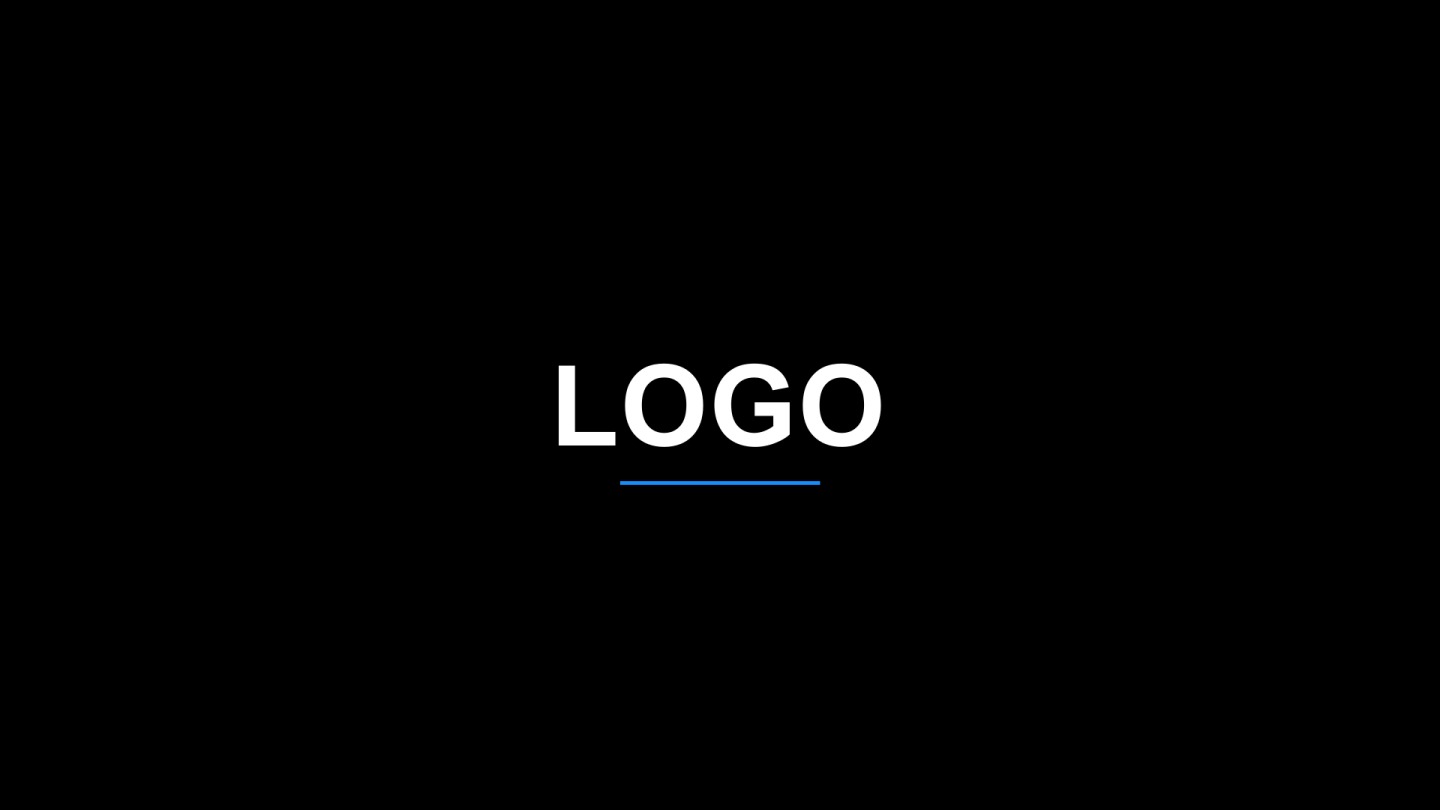
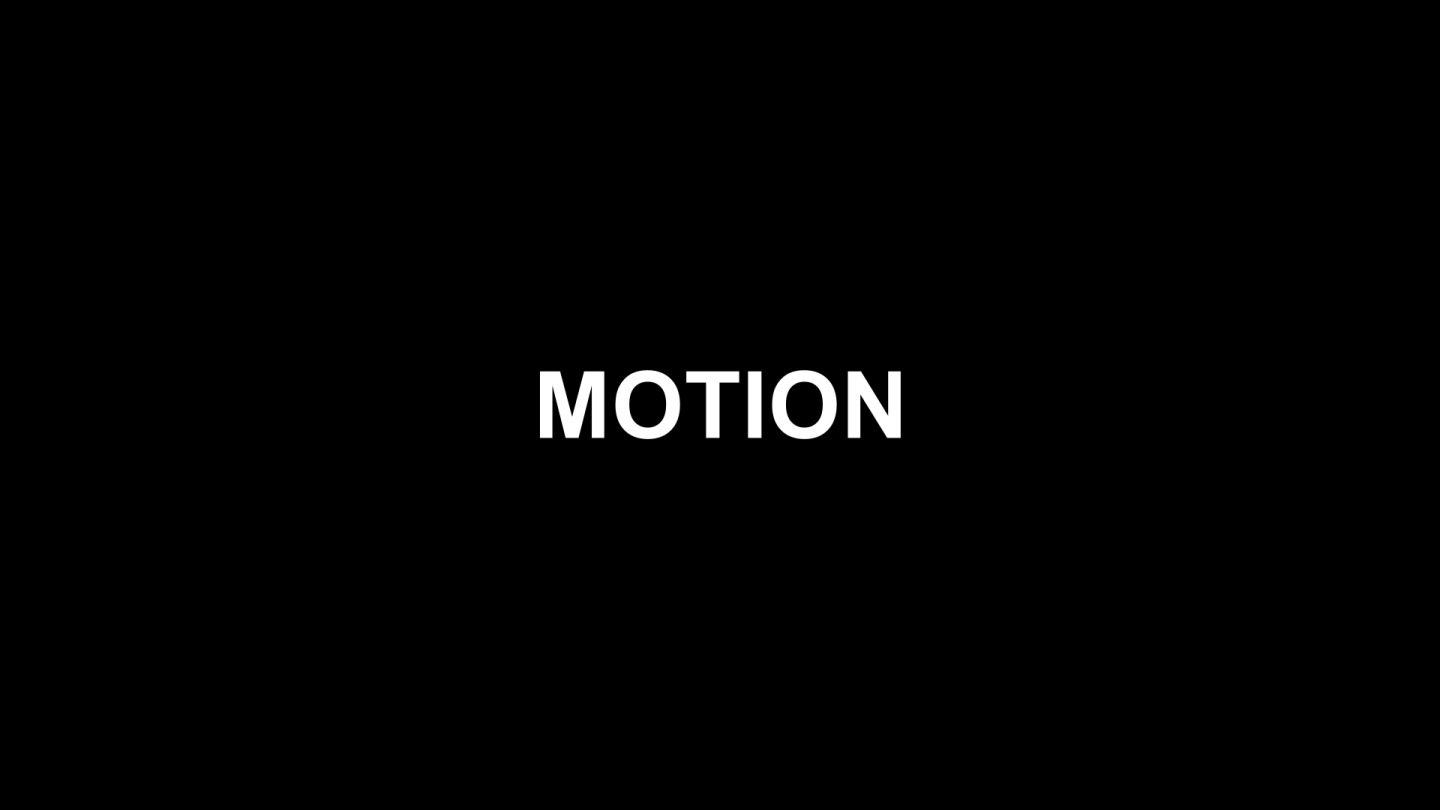
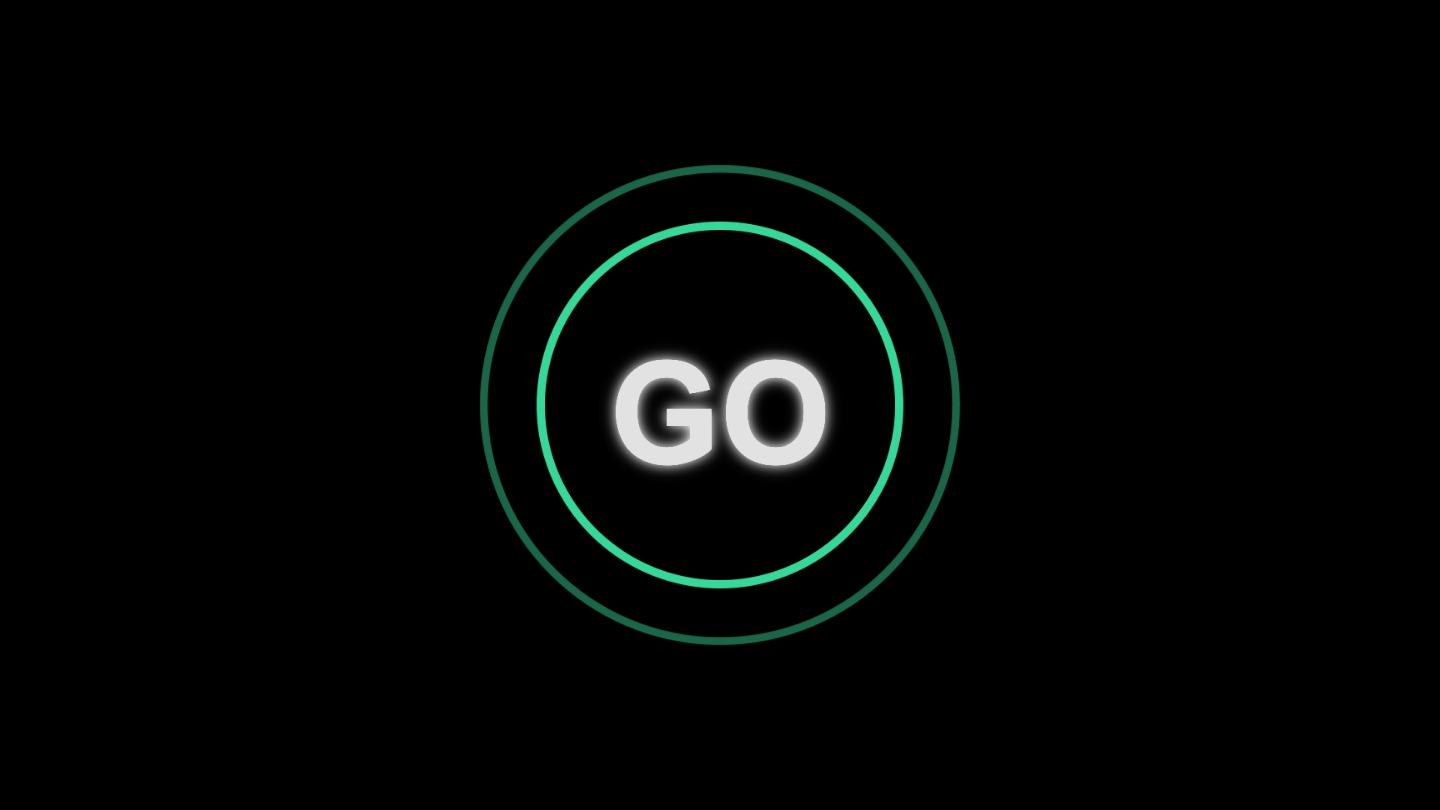
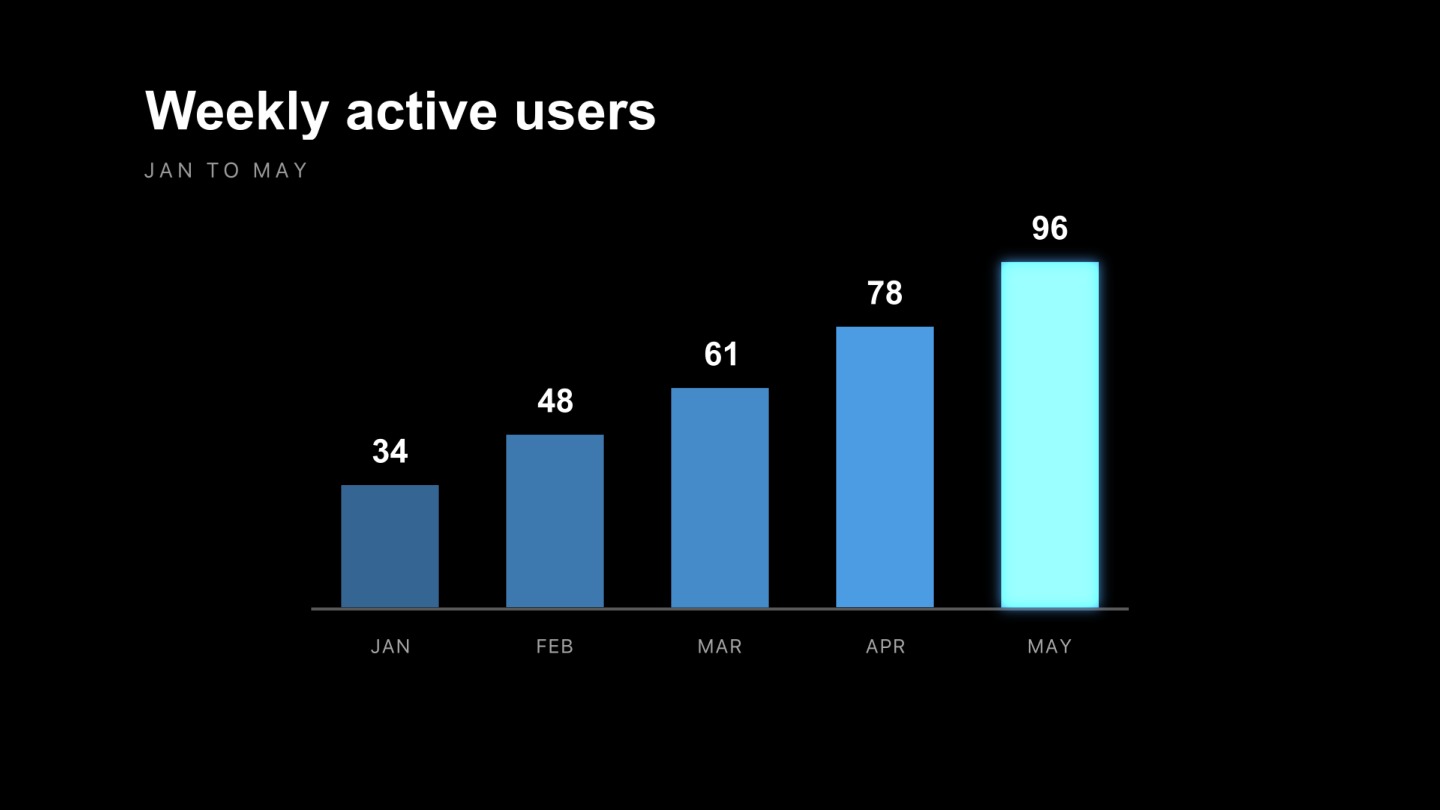
Every one of these is a real project, not a locked preset. Open it, and the layers, keyframes and easing curves that make it work are all there to take apart, learn from and rebuild into your own.


Free to build. $5 to ship clean.
You are not locked out of your own work. Free accounts export real, finished video, with a small voicedraw mark in the corner. Paying removes it and opens the parts of the pipeline that need a server behind them.
Free
$0
- The entire editor, no time limit and no project limit
- Export MP4, WebM with alpha, GIF, PNG and PNG sequences
- A small voicedraw mark in the corner of what you export
- 50 free AI requests to start, topped up separately whenever you want
Pro
$5 /month
- Clean exports. No watermark, at any size or format
- Pro codecs. ProRes 422 HQ, ProRes 4444 with alpha, DNxHR HQ and HEVC, rendered on our servers rather than your laptop
- Batch rendering. Queue a whole set of exports and walk away, or hand the queue to the AI
- Project backups. Download a self-contained copy with every asset embedded
One flat plan, no tiers, no seat licence and no annual contract, cancel any time. That is a fraction of what a desktop compositing subscription costs, and if you stop paying you keep every project: exports simply carry the mark again. Read the refund policy before you subscribe. We would rather you knew.
What people ask before they switch
Is voicedraw really a free After Effects alternative?
Yes, and you can get finished video out of it without paying. The whole editor is free with no time limit, and free accounts export real MP4, WebM, GIF and PNG files carrying a small voicedraw mark in the corner. The $5-a-month plan removes that mark and adds the pro codecs, batch rendering and project backups. There is no seat licence and nothing to install, so occasional work costs a fraction of a desktop compositing subscription.
Do I have to download or install anything?
No. voicedraw runs entirely in a modern desktop browser: Chrome, Edge, Firefox, Safari or Brave. There is no installer, no plugin, no GPU driver hunt and no render farm to set up. You open a link and start animating on whatever machine you happen to be sitting at.
Will it feel familiar if I already know After Effects?
Yes. If you know keyframes, easing, the graph editor, expressions, masks, track mattes, adjustment layers and precomps, you already know how to drive voicedraw. The concepts and most keyboard workflows carry over directly, so you are productive on day one rather than at the end of a course.
Can it open my existing After Effects project files?
Not .aep directly. That is a closed format we cannot read, so export from After Effects as Lottie first and voicedraw brings in the layers, keyframes, eases, masks and text intact. PSD opens as a fully layered composition, SVG becomes editable vectors, and PDF and Illustrator art imports page by page.
What can I export, and at what quality?
MP4, WebM with alpha, GIF, PNG and PNG sequences render right in your browser. ProRes 422 HQ, ProRes 4444 with alpha, DNxHR HQ and QuickTime H.264 or HEVC render on the render service for delivery specs that need a mezzanine codec. Exports always render at full resolution regardless of what your machine can preview.
Do I need a powerful computer or a dedicated GPU?
No. Rendering uses your GPU where one is available and steps itself down automatically where it is not, so playback stays smooth on an ordinary laptop. Paused frames and exports are always rendered at full quality, so weaker hardware costs you preview smoothness and never final quality.
Where does the AI fit in?
It is built in, and it exists so you never have to trade control for speed. It reads your actual composition and edits it directly, so you can hand off the tedious parts by describing them and then take the wheel by hand for the parts that matter. It is not a video generator and not a black box: every change lands on the timeline as real, editable keyframes you can see, reshape, or undo in one step.
Is my work private, and can I share it for review?
Your projects are yours and sync privately to your account. When you want feedback, share a link and reviewers see the real project rendered in their browser rather than a flattened upload, with comments pinned to the exact frame they are looking at.
Can I use this on a Chromebook?
Yes. It needs a modern desktop browser and nothing else, so a Chromebook runs it the same as a Mac or a PC. This is one of the few places where browser based is not a compromise but the only option: there is no version of a desktop compositing suite that will install on ChromeOS at all.
Do I need to install anything, or create an Adobe account?
Neither. There is no installer, no plugin, no GPU driver hunt, and no Adobe relationship of any kind. You sign in with Google and you are in the editor. The one requirement is a desktop or laptop browser, because the editor needs a real pointer.
What is the catch with free?
The editor is genuinely free with no time limit and no project limit, every template is free to open and take apart, and free exports are real video files rather than previews. They carry a small voicedraw mark in the corner. Five dollars a month removes it and adds the pro codecs, batch rendering and project backups. That is the whole catch, stated plainly.
The install was always the worst part.
Open a tab instead. You will be animating before a desktop app would have finished downloading.
Free to use, on a desktop browser. Sign in with Google and you are in.