A free explainer video maker for the browser
Turn an idea into a clear, animated explainer — title cards, animated diagrams, callouts and screen recordings — without desktop software. Animate it by hand or describe the motion to an AI copilot, then export a clean MP4.
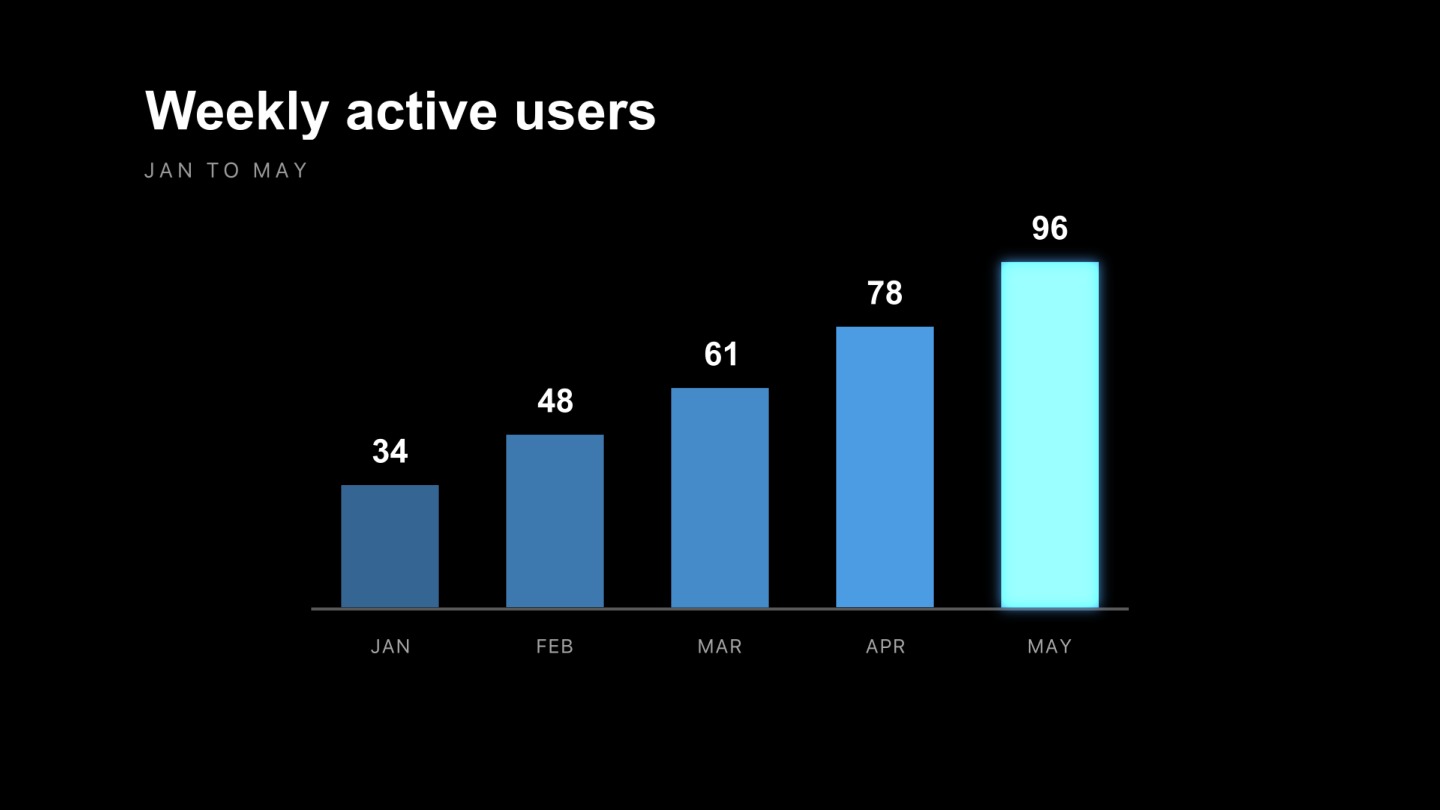
Every piece of a good explainer, in one place
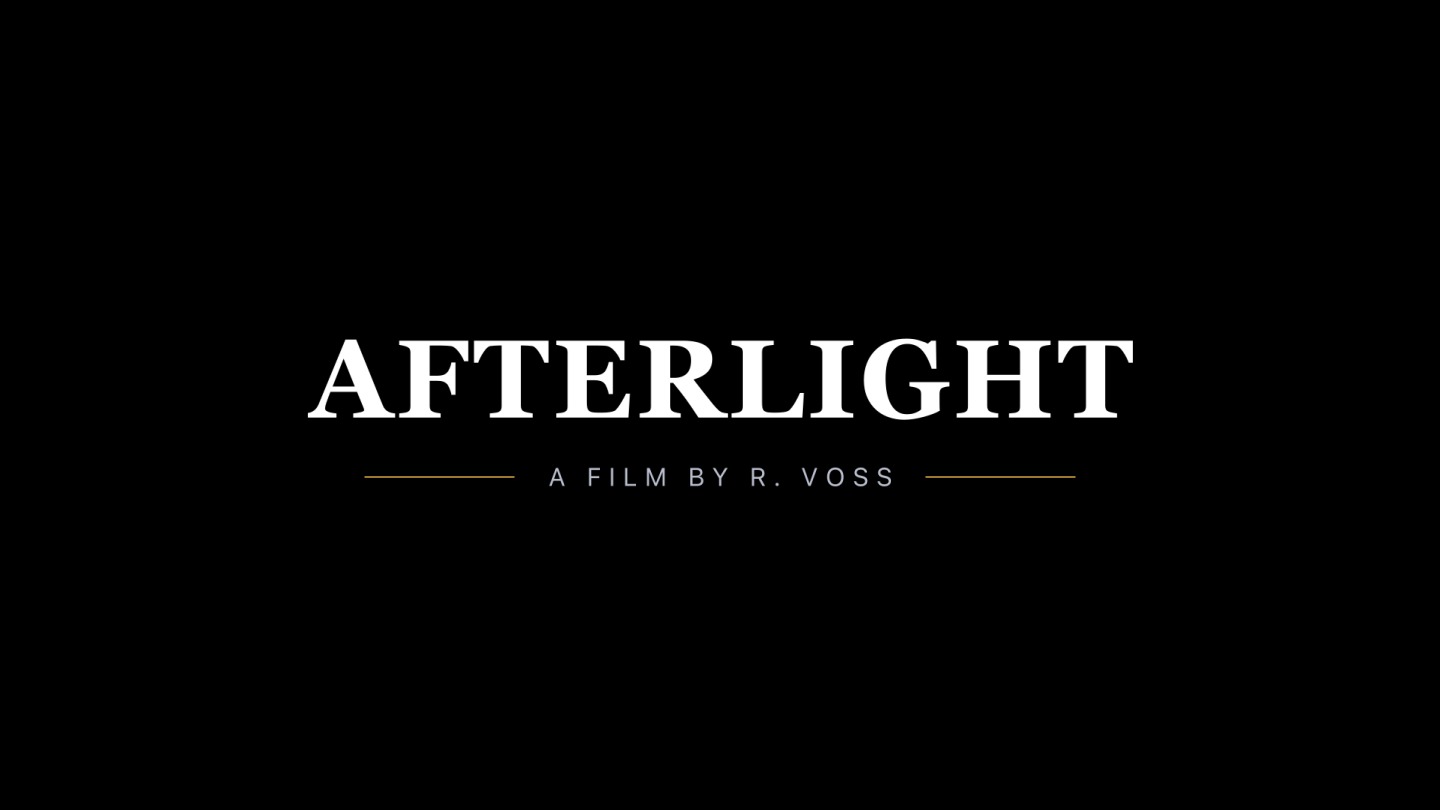
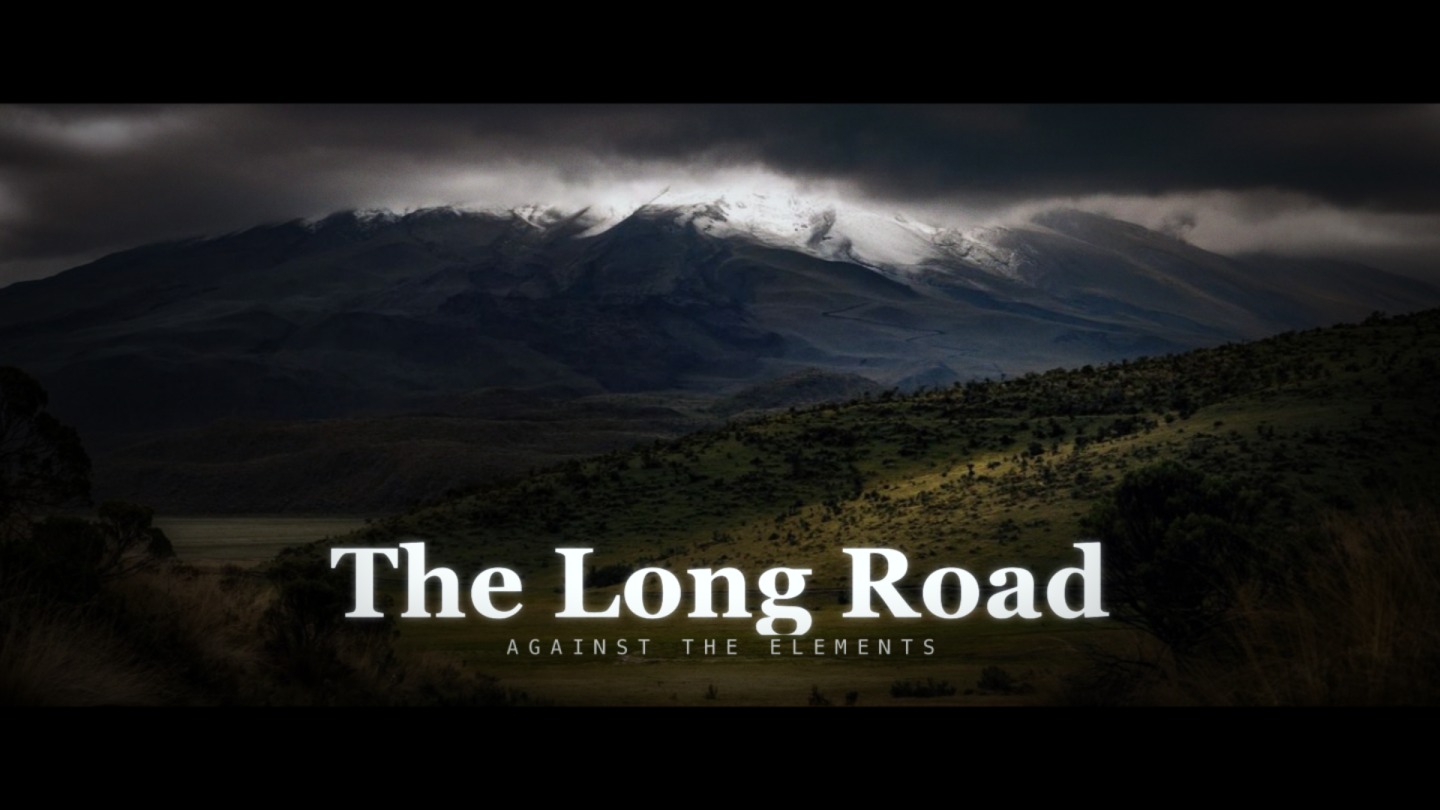
Explainers live or die on clarity, and clarity comes from motion that guides the eye. voicedraw gives you the tools to build it: text animators for titles and captions, shapes and trim paths for diagrams and animated charts, masks and camera moves to reveal and focus, and a real graph editor so every transition feels intentional.
Bring in your own material — screenshots, a screen recording, your logo, icons as editable SVG, or layered PSD artwork — and animate it directly. A single-point motion tracker can pin a callout to something moving in your footage.
Animated diagrams
Draw charts, flows and callouts with shapes, then animate them on with trim paths and staggered timing.
Focus attention
Use masks, camera moves and highlights to guide the viewer to exactly the right part of the screen.
Direct it with AI
Describe a scene and the copilot animates it, so you can rough in a whole explainer fast, then refine.



Common questions
Can I make an explainer video for free?
Yes. voicedraw is free to design and animate in — build your whole explainer, from title cards to animated diagrams, at no cost. Exporting is free too: free renders carry a small voicedraw mark in the corner, and $5 a month removes it. Nothing to install either way.
Do I have to draw everything from scratch?
No. Import your logo, screenshots, screen recordings, icons (SVG) and PSD artwork, then animate them. Templates give you finished title cards, charts and transitions to start from, and the AI copilot can build motion from a plain-English description.
Can I animate charts, callouts and screen recordings?
Yes. Use shapes and text for animated charts and callouts, masks and camera moves to focus attention, and bring in a screen recording as a video layer to highlight and annotate. A point tracker can pin a callout to something moving in the footage.
What formats can I export?
MP4 and WebM (with alpha) render right in your browser, along with GIF and PNG sequences. For editing suites, ProRes and DNxHR render on the render service.