An AI animation maker that edits your timeline for you
Describe the change you want in plain English and voicedraw’s AI copilot keyframes it directly onto your composition — then hand off, or take over and refine every curve by hand. Free to use, right in your browser.
Talk to your timeline
Most “AI animation” tools generate a video clip from a prompt and hand you something you cannot edit. voicedraw works the opposite way. Its copilot reads the actual composition you are building and edits it in place: it adds shapes, restyles layers, keyframes properties and stacks animators, then checks the rendered frame before it reaches you. Every change is something you asked for, and every change is a real, editable keyframe — not a baked-in pixel.
That means you get the speed of describing what you want and the control of a professional editor. Rough in a whole sequence by talking to it, then open the graph editor and shape the easing yourself. Nothing is a black box.
Ask
Ask about your project and get a straight answer — “why is this layer invisible at 2:10?” It can inspect everything and change nothing.
Edit
Describe a change and watch it land on your timeline instantly. Not what you wanted? Undo it in one step.
Agent
Hand off multi-step work. It runs the whole task, checkpointing as it goes, and picks up right where you paused it.
Bring your own agent — nothing to meter
You connect an agent you already use — Cursor, Claude Code, Codex, Antigravity or any other MCP client — and it drives the editor directly. There is no voicedraw AI subscription, no credit pack and no request counter, because the model is yours and runs on whatever you already pay for. Setting it up takes about two minutes. Using the editor is free, and so is exporting: free renders carry a small voicedraw mark in the corner, and a $5-a-month plan removes it.
It edits your work — it doesn’t replace it
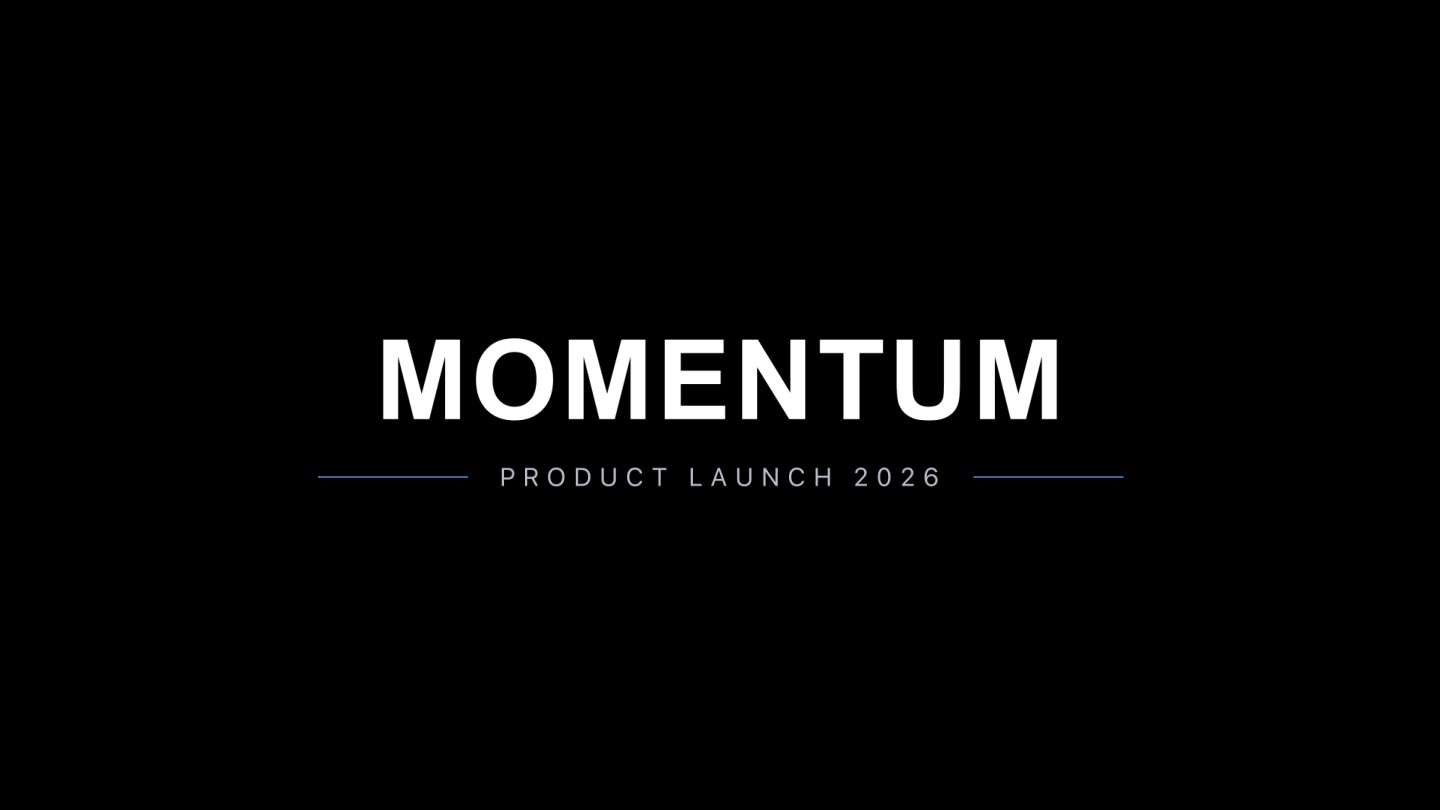
Because the copilot changes real layers and keyframes, everything it produces is yours to keep refining. Ask it to animate a logo entrance, restyle a title, or wire up a wiggle expression, then adjust the timing, swap the easing or nudge a curve. The AI gets you to a first pass fast; the graph editor gets you to finished.


Common questions
How does the AI animation maker actually work?
You type what you want changed in your own agent, and it reads your real composition through voicedraw’s MCP connection and edits it directly — adding shapes, restyling layers and keyframing properties. It checks the rendered frame before handing control back, so what you see is what happened. It is an editing copilot, not a text-to-video generator: it changes work that is already on your timeline rather than inventing a clip from a prompt.
Is the AI animation maker free?
Using the editor is free, and you bring your own AI: connect Cursor, Claude Code, OpenAI Codex, Google Antigravity, VS Code, Windsurf, Gemini CLI, OpenClaw, Cline, Zed — or any other MCP client — and it can build and edit your animation directly. There is nothing to meter and no credits to buy. Exporting your finished animation starts at $5 a month.
Can I still animate by hand?
Always. Everything the AI does lands as ordinary keyframes you can open in the graph editor and reshape. Ask it to rough in the motion, then take over and refine the easing, timing and curves yourself.
What can I make with it?
Logo intros, kinetic titles, lower thirds, social and short-form video, product demos and full explainer sequences — the AI helps with any of them, and you can undo any change in one step if it is not what you wanted.