A free animated lower thirds maker
Design name titles, captions and news-style banners, animate them cleanly, and export a transparent WebM you can drop over any footage. Build them by hand or let the AI copilot do the keyframing.

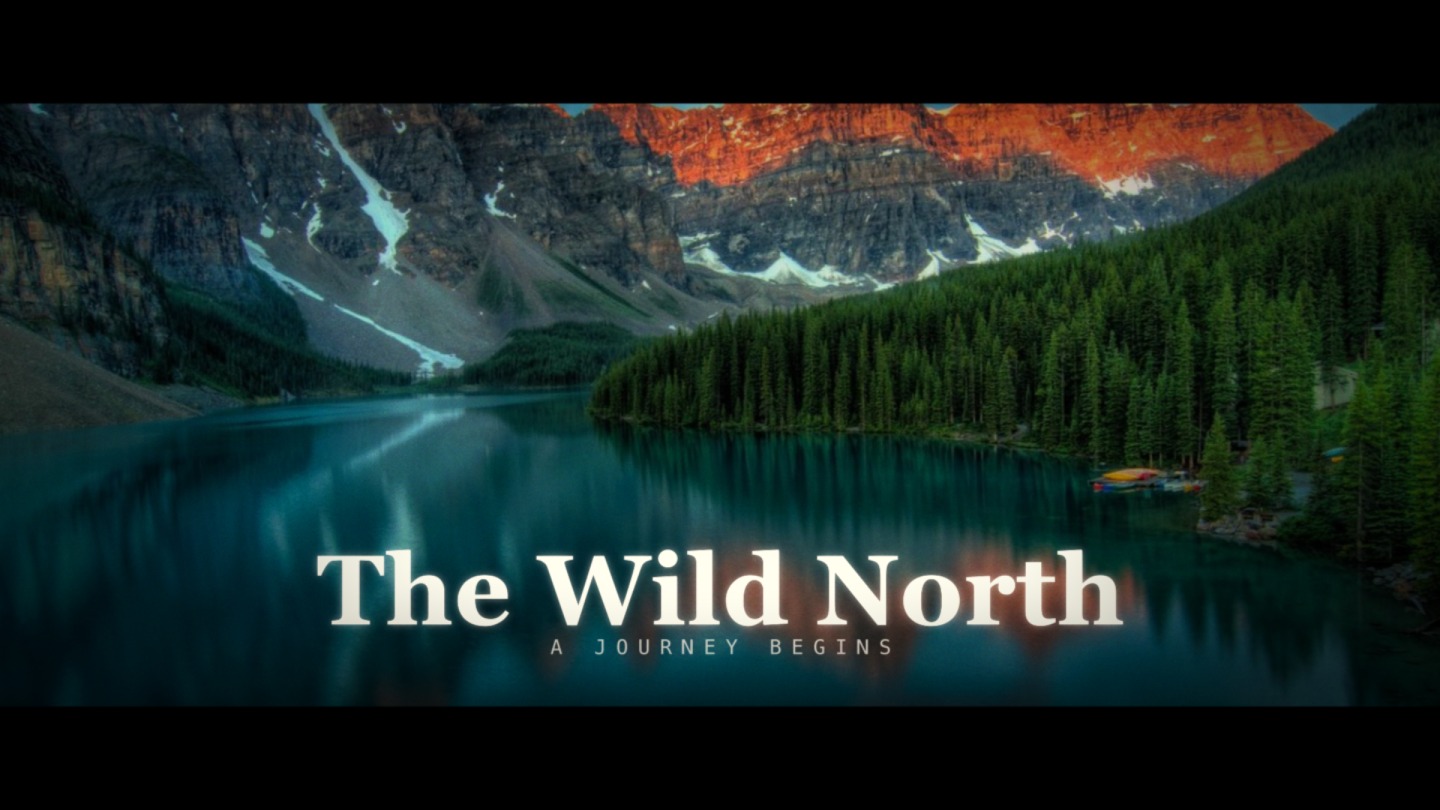
Titles that animate like broadcast
A good lower third slides, wipes or draws itself on rather than just appearing. voicedraw gives you the tools to do it properly: trim paths to draw a bar or underline on, text animators to bring the name in per character, masks to wipe a panel, and a real graph editor so the motion eases in and out the way it should.
Add your role or caption, set your brand colors and font, and stagger the two lines so the name lands first and the title follows. It reads as a polished, on-brand banner, not a plain text box fading up.
Slide & wipe on
Animate a bar or panel on with masks and trim paths, then bring the text in on top with its own timing.
Transparent by default
Export WebM with alpha or a PNG sequence so the title overlays your footage with no background box.
Reusable
Build it once as a precomp with essential properties, then duplicate it and just change the name and role.


Common questions
What is a lower third?
A lower third is the animated title bar that appears near the bottom of the screen to introduce a person, place or point — a name and role, a location, or a caption. voicedraw lets you design and animate one, then export it with a transparent background so it sits over your video.
How do I get a transparent background for my lower third?
Export WebM with a real alpha channel, or a PNG sequence. Both carry true transparency, so the lower third overlays your footage cleanly in any video editor with no background box.
Can I match my brand and reuse the same lower third?
Yes. Set your fonts and colors, and build the lower third as a precomp with essential properties so you can duplicate it and just change the name and role each time. The look stays consistent across every title.
Is it free?
Designing, animating and exporting lower thirds are all free, and free exports are real files carrying a small voicedraw mark in the corner. $5 a month removes the mark and adds pro codecs. Nothing to install either way.