Animate SVG files online, free
Drop in an SVG and it becomes editable vectors you can actually animate — strokes that draw themselves on, paths that morph, fills that shift. No SMIL, no CSS keyframes, no code. Export to video or GIF when you’re done.

Your SVG comes in as editable vectors
voicedraw parses your SVG into a real vector shape layer, preserving its viewBox, groups and paths, so you are animating the artwork itself — not a flattened image of it. Recolor fills and strokes, restructure groups, and keyframe transforms, all while it stays crisp at any scale.
Then reach for the shape toolkit motion designers rely on: Trim Paths for self-drawing lines, a Repeater to multiply and array elements, Offset Paths, Wiggle and a dash-offset expression to send dashes chasing around a shape.
Self-drawing strokes
Trim Paths animates an outline drawing itself on — the classic line-art reveal, keyframed or expression-driven.
Repeat & array
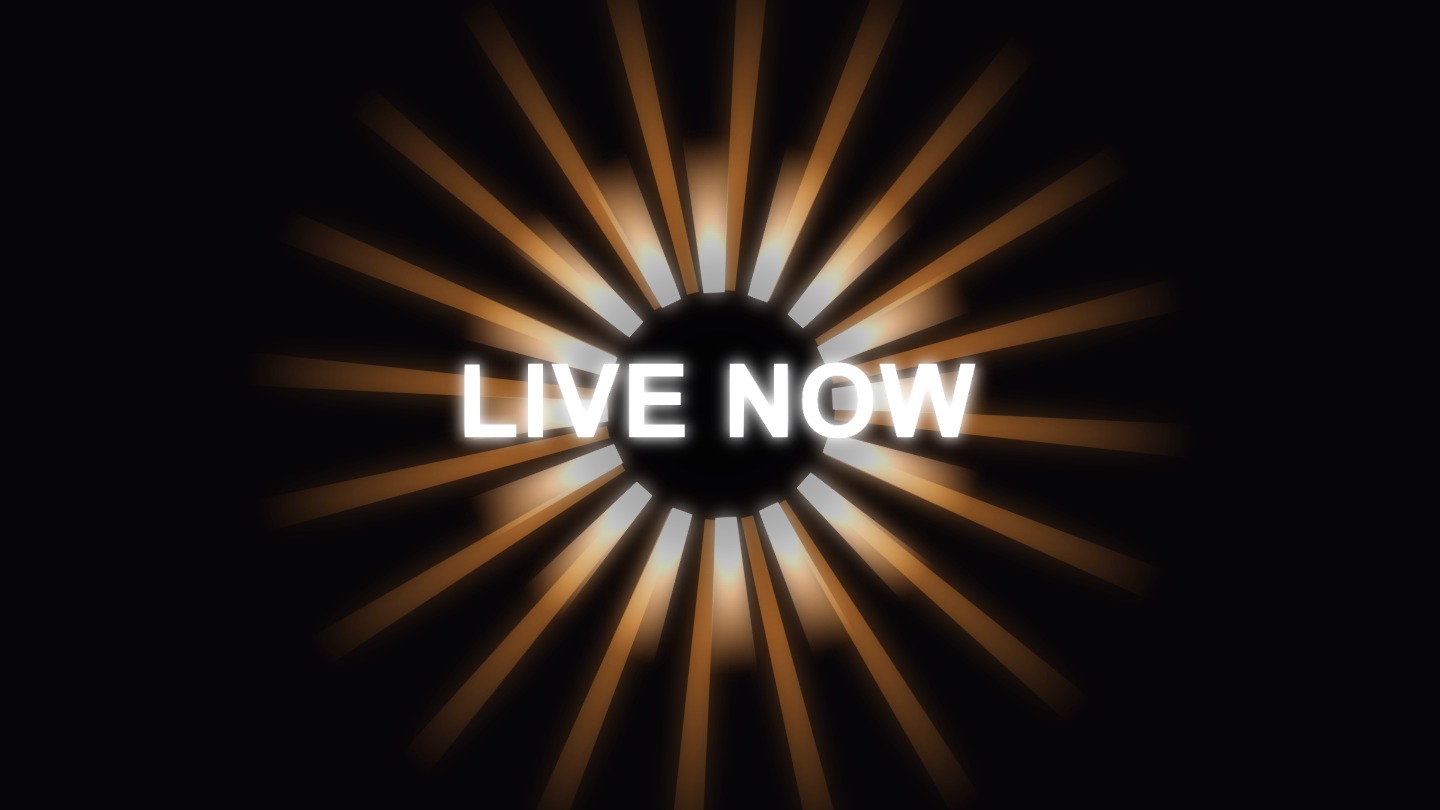
The Repeater copies a shape with per-copy transforms, turning one path into a pattern or a burst.
Crisp & dithered
Vectors stay sharp at any zoom, and gradients are dithered so they render smooth, not banded.
Common questions
How do I animate an SVG online?
Import your SVG into voicedraw and it becomes an editable vector shape layer — paths, groups and fills intact. Then animate its position, scale, rotation, stroke and path with keyframes, trim paths and expressions, and export the result as video or GIF. No hand-writing SMIL or CSS.
Can I do a self-drawing line / stroke animation?
Yes. Trim Paths animates a stroke drawing itself on, and a dash-offset expression makes dashes travel along a path. Because the SVG comes in as real vectors, the lines stay crisp at any size.
Does it stay vector-sharp?
The imported SVG is rendered as vectors, so edges stay clean at any zoom, and gradients use dithering so they do not band. Your final export is a video or GIF, rendered at full resolution.
Is it free?
Yes. Importing, animating and exporting are all free, and free exports are real video files carrying a small voicedraw mark in the corner. $5 a month removes the mark and adds pro codecs. Nothing to install either way.