Animate text per character, online and free
Not a text-video template filler. These are real After Effects style text animators: animate position, scale, rotation, opacity, fill, tracking and blur per character, with range, wiggly and expression selectors stacked as deep as the shot needs. Cascade letters in, stagger a headline, decode a subtitle. Describe it and let the AI keyframe it, or shape every curve by hand in a real graph editor.
Real per-character text animators
Most “text animation” tools give you a handful of canned presets. voicedraw gives you the same animator system a professional compositor uses. Add an animator to a text layer and it can drive position, scale, rotation, opacity, fill, tracking and blur — for every character independently. Then a selector decides which characters it touches and how strongly.
Range selectors sweep the effect across the line so letters animate in sequence. Wiggly selectors add organic randomness. Expression selectors drive the animation with a formula. Stack several animators on one layer and you get choreography no preset could reproduce.
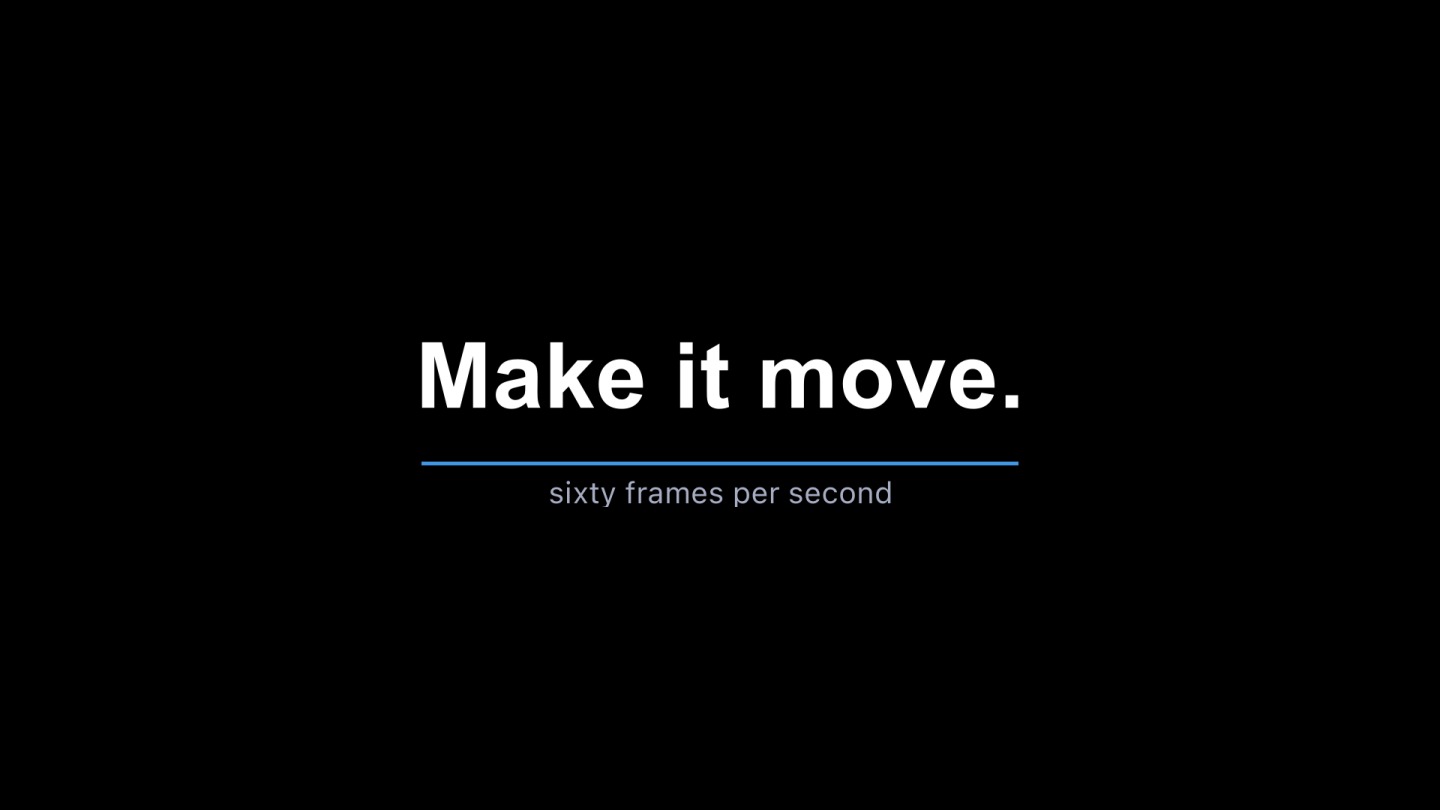
Cascade & stagger
Sequence letters or words in with a range selector, and shape the timing offset between them for a clean cascade.
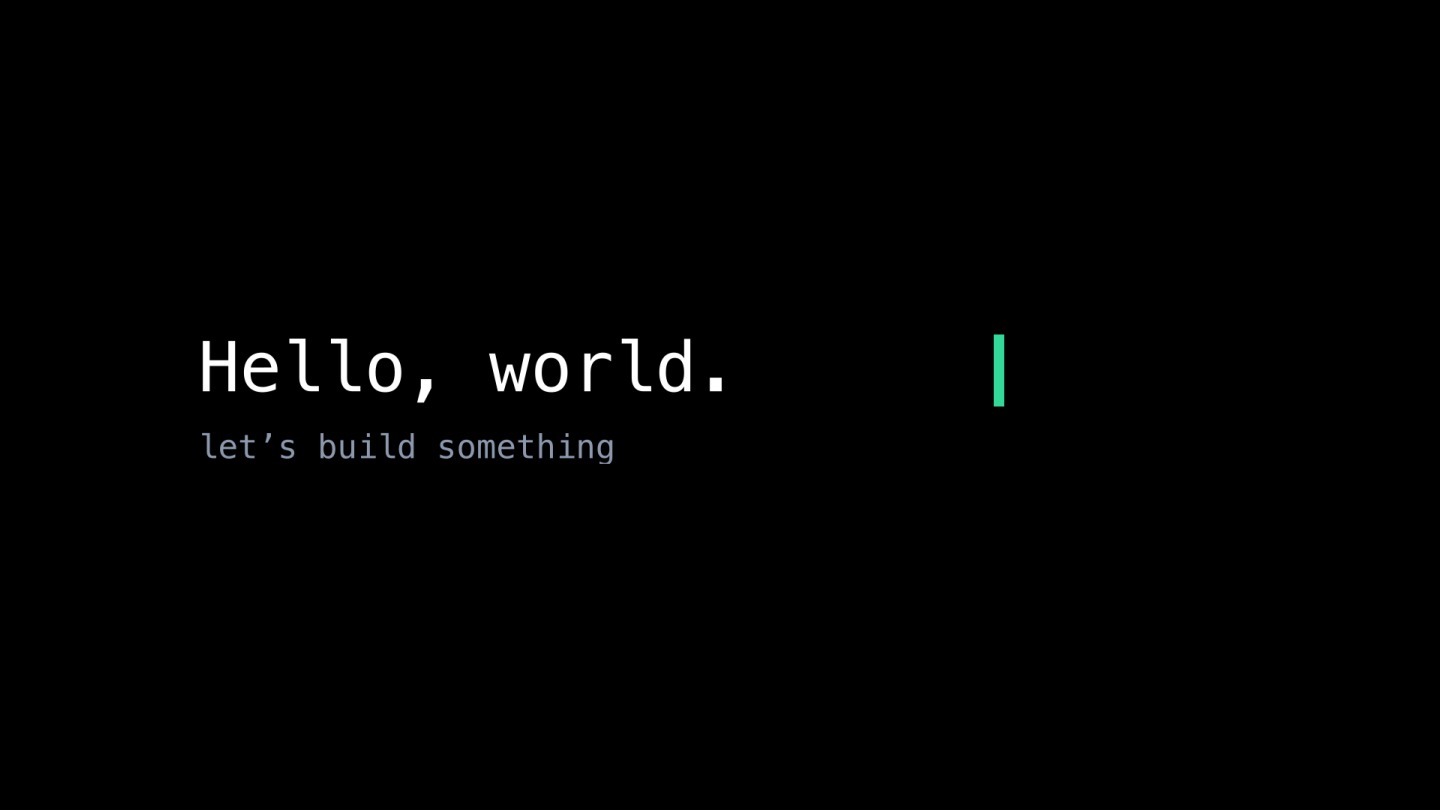
Decode & typewriter
Reveal text character by character, scramble-and-resolve, or type it on with a mono cursor for a terminal feel.
Blur & tracking
Animate per-character blur and letter spacing so words snap into focus or breathe apart as they land.
Describe it, or draw the curve
Tell the AI copilot “stagger the headline in over half a second and add a subtle overshoot,” and it builds the animators and keyframes for you. Every result is ordinary, editable keyframes — open the graph editor and reshape the easing, timing and velocity by hand whenever you want more control. The AI gets you to a first pass fast; the graph editor gets you to finished.
Put it on brand
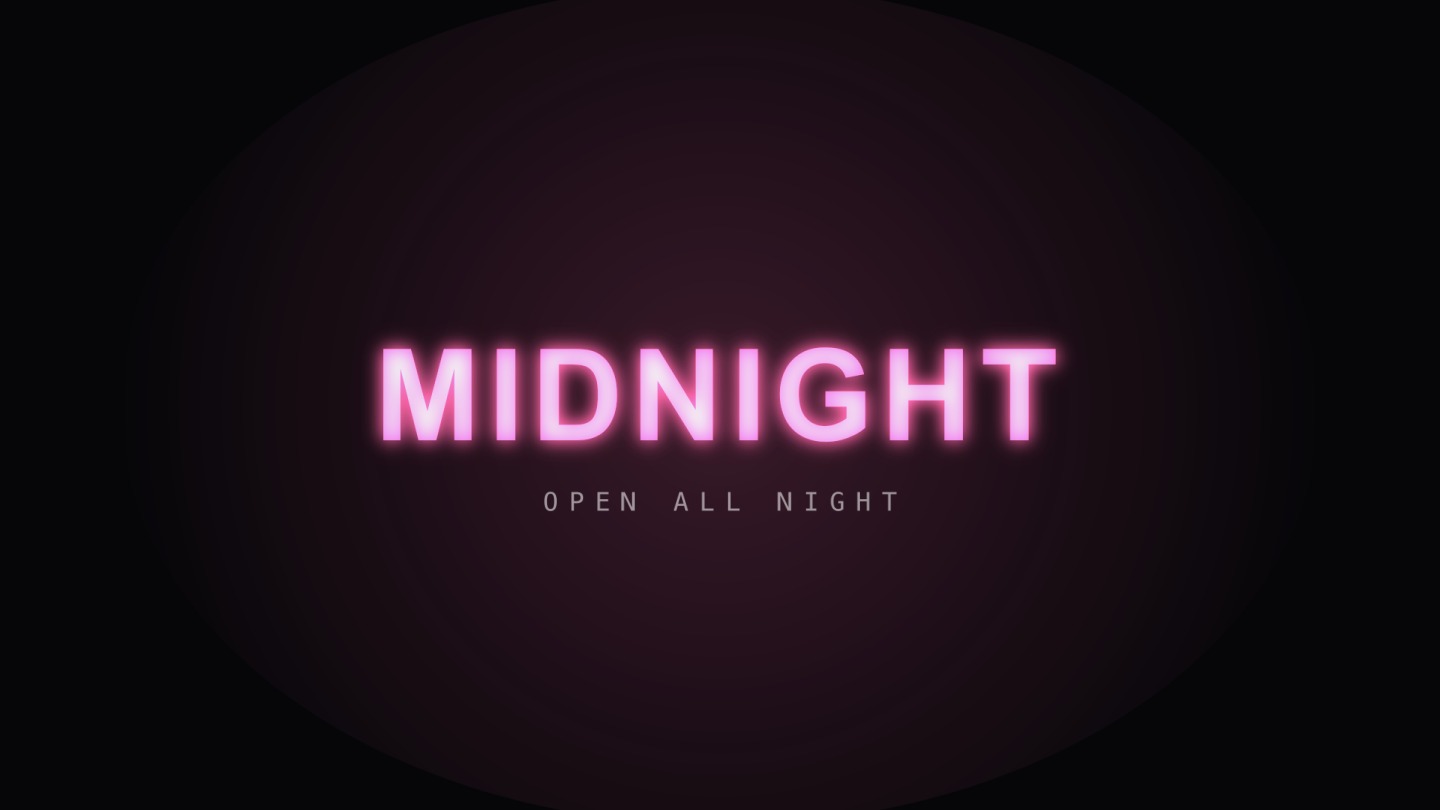
Use any font, animate the fill and stroke, and set kinetic type against a moving background, a logo lockup or footage. Because everything renders live in the browser, you see the final frame as you tune it — no preview render, no waiting.

Common questions
What is a kinetic typography generator?
It is a tool for animating text — moving, scaling, rotating and revealing words and individual letters over time. voicedraw does this with per-character text animators, so you can cascade letters in, stagger a headline, or decode a subtitle character by character, all on a single text layer.
Can I animate individual letters, not just whole words?
Yes. Every text animator can target position, scale, rotation, opacity, fill, tracking and blur per character. Range selectors, wiggly selectors and expression selectors let you control exactly which characters animate and when, stacked as deep as you need.
Do I need to know animation software to make kinetic type?
No. Describe the effect you want — for example "stagger the letters in and settle with a bounce" — and voicedraw’s AI copilot builds the keyframes. If you want precise control, open the graph editor and shape the easing by hand.
How do I export my animated text?
Export MP4, WebM with a transparent alpha channel, GIF or a PNG sequence right in the browser, or render ProRes and DNxHR on the render service. Using the editor is free, and so is exporting: free exports carry a small voicedraw mark in the corner, and $5 a month removes it and adds the pro codecs.