A free video intro maker for the browser
Build a sharp intro for YouTube, a stream or a client project without opening desktop software. Start from a template or a blank canvas, animate your logo and title, and export a clean MP4 or a transparent-background WebM.
Start finished, then make it yours
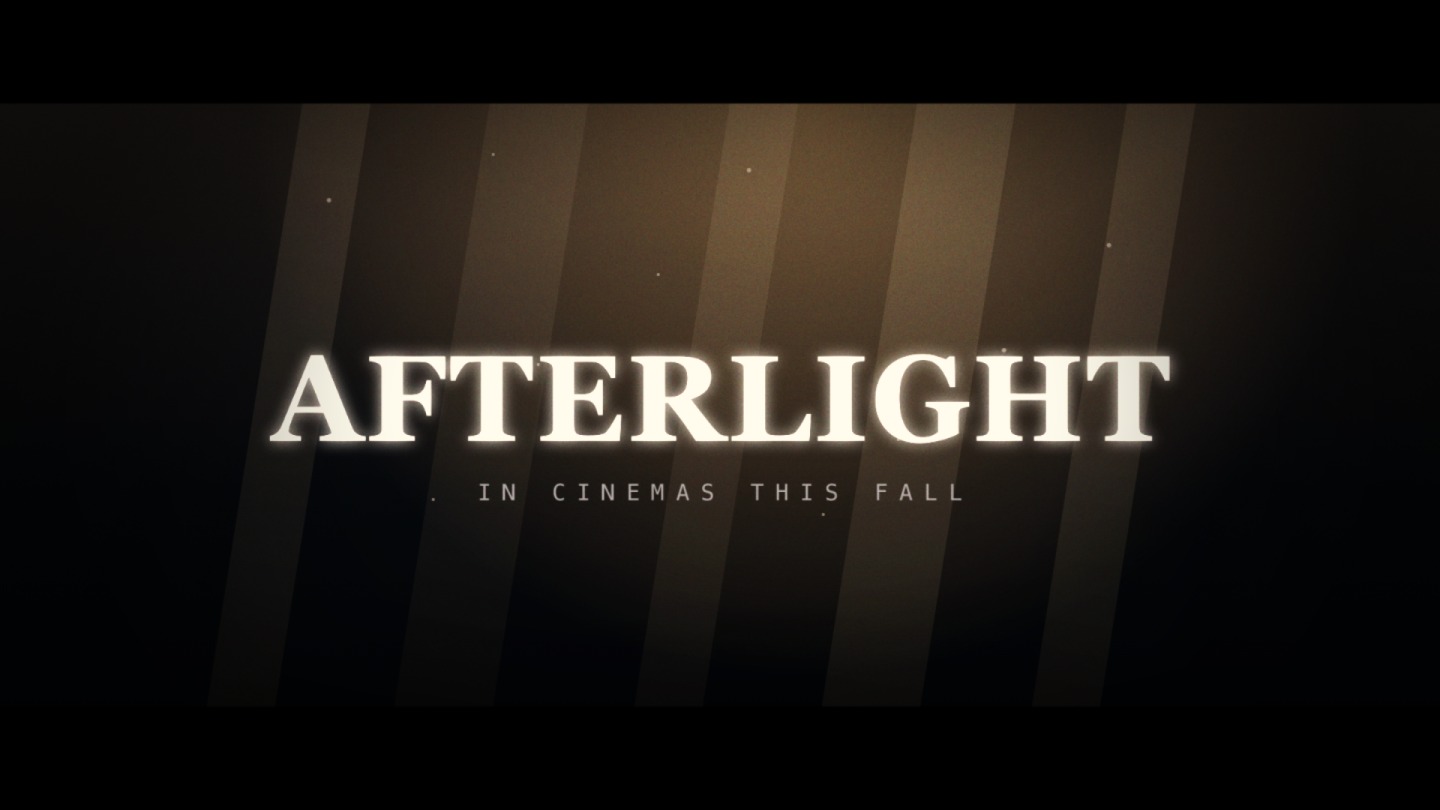
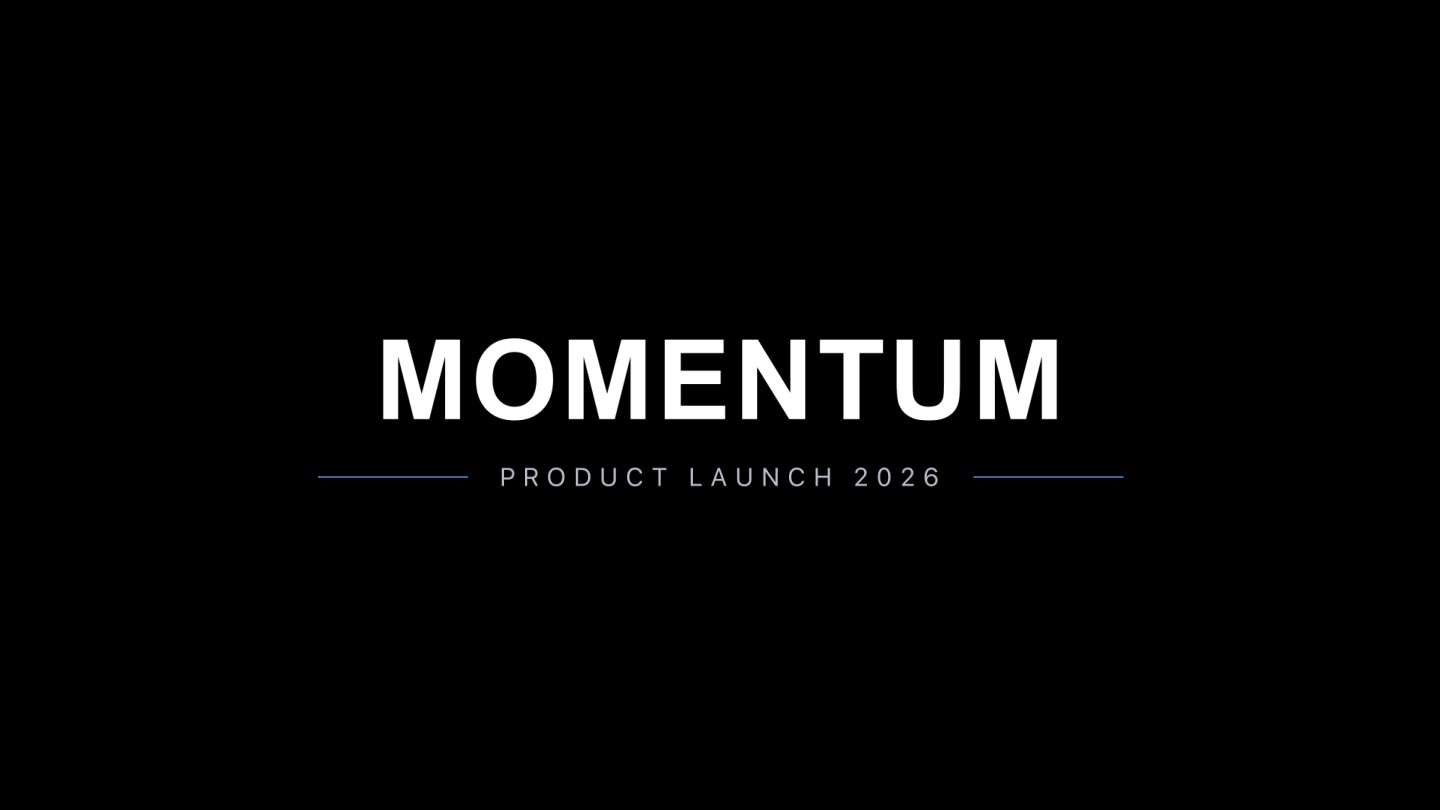
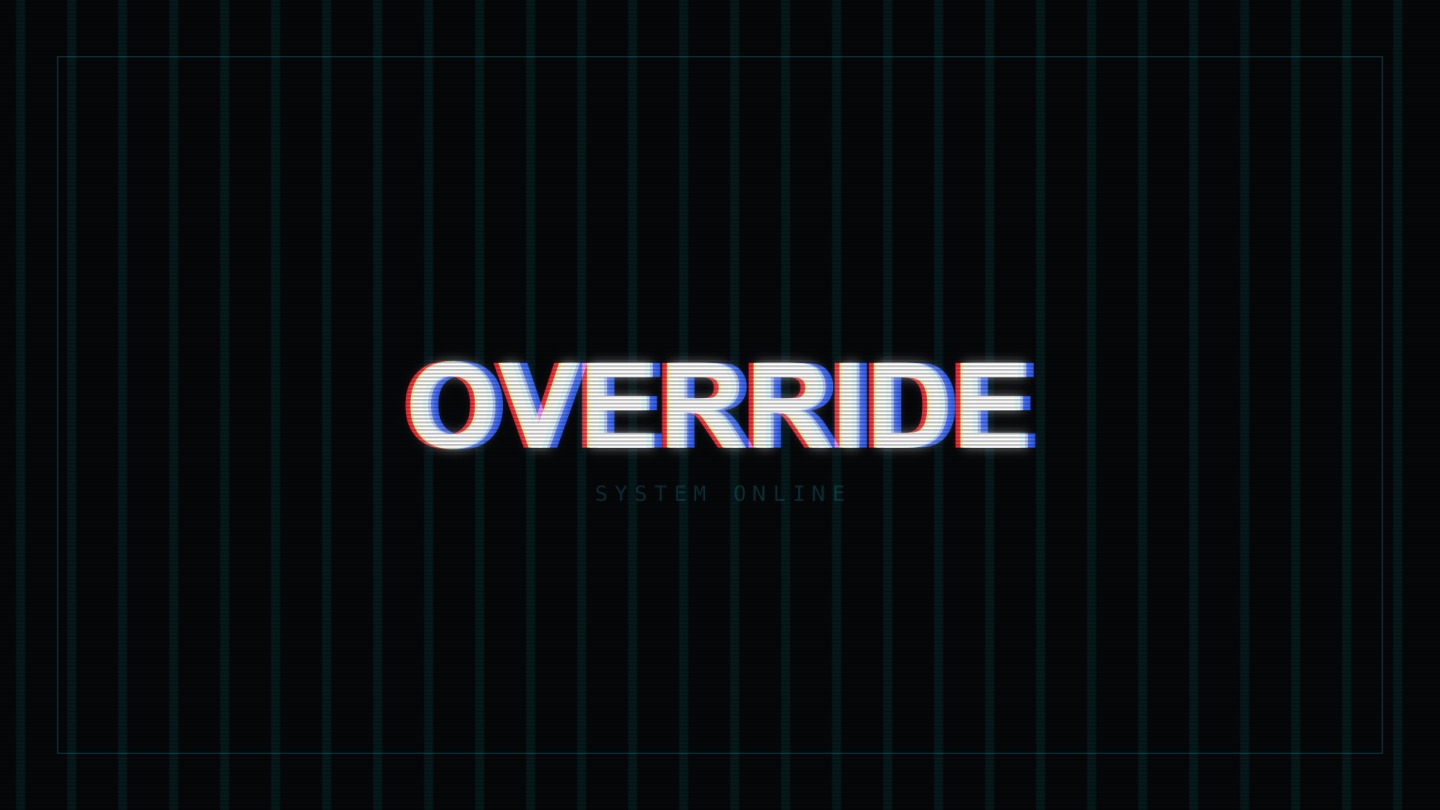
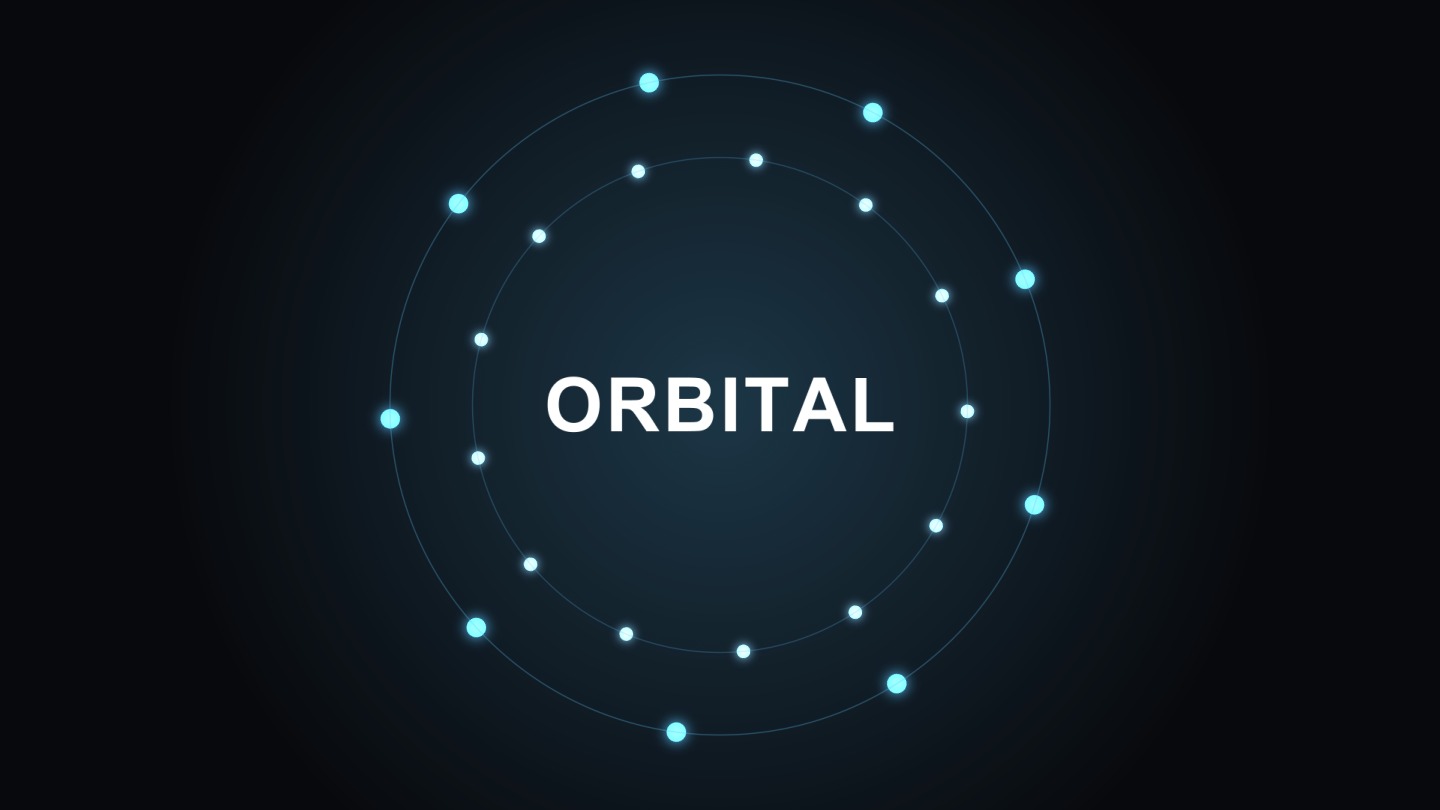
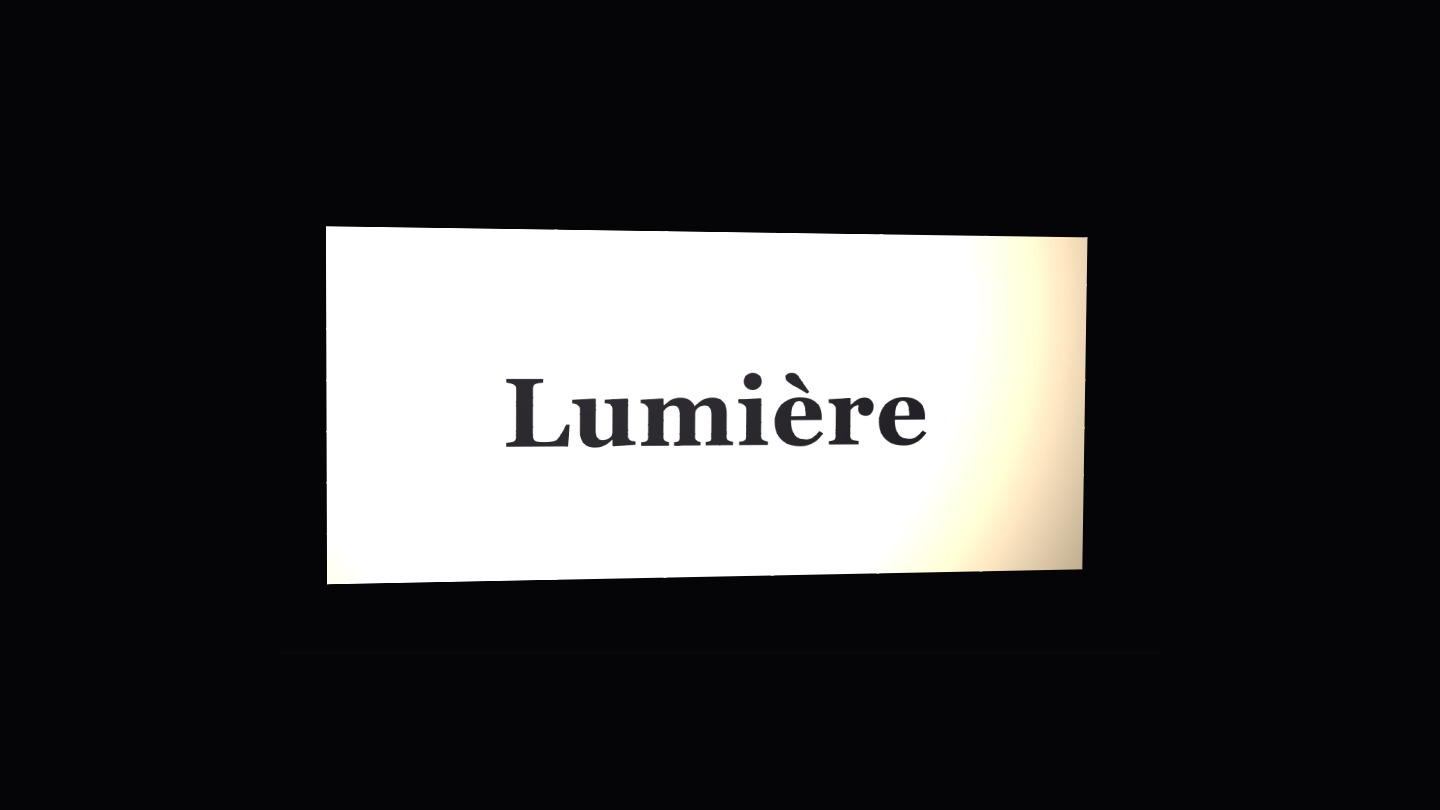
The fastest intros start from a template. voicedraw ships a library of intro-ready looks — logo reveals, cinematic titles, glitch openers and countdowns — and every one opens as a fully editable project, not a locked preset. Swap in your logo and text, change the colors to your brand, adjust the timing, and it is done.
Prefer to build from nothing? Start from a blank canvas at any size and use the same tools professionals do: 3D layers and lights, shape operators, text animators and a real graph editor. Either way, the AI copilot can restyle, retime or extend the intro from a simple description.
Logo reveals
Scale-ins, wipes with trim paths, and 3D reveals with lights and shadows — animate your mark, not a stock one.
Any aspect ratio
Set 16:9, square or vertical and the right frame rate, so the intro fits YouTube, Shorts, Reels or a stream.
Transparent export
WebM with alpha or a PNG sequence drops your intro over any footage with no background box.
Export once, use everywhere
Render your intro to MP4 for a universal file, WebM with alpha for overlays, GIF for a quick loop, or ProRes and DNxHR on the render service for editing suites. Everything but the pro codecs renders right in your browser. Building the intro is free, and so is exporting: free renders carry a small voicedraw mark in the corner, and $5 a month removes it.
Common questions
How do I make a video intro for free?
Open voicedraw, pick an intro template or start from a blank canvas, drop in your logo and title, and adjust the timing and colors. Describe changes to the AI copilot or keyframe them by hand, then export your intro. Building is free, and so is exporting: free intros carry a small voicedraw mark in the corner, and $5 a month removes it.
Can I make a YouTube intro with a transparent background?
Yes. Export WebM with a real alpha channel (or a PNG sequence) so your intro drops over any footage with no background box. You can also export a standard MP4 if you want a solid background.
Do I need to be a designer?
No. Templates give you a finished starting point you can customize in minutes, and the AI copilot can restyle and re-time an intro from a plain-English description. When you want precision, the full graph editor is right there.
What length and format should a video intro be?
Most intros run two to five seconds. voicedraw lets you set any composition size and frame rate — square, vertical or 16:9 — and export MP4, WebM, GIF or a PNG sequence to match wherever the intro will play.