Animate your logo online, free
Turn a static logo into a polished intro or reveal in minutes. Describe the entrance you want or keyframe it by hand, import your SVG or PSD, and export a clean animated logo with a transparent background — all in the browser.
Two ways to animate a logo
The fastest way is to describe it. Type something like “scale the logo in and settle with a bounce, then draw a ring around it,” and voicedraw’s AI copilot builds the keyframes on your timeline. Not quite right? Undo in one step and try another direction.
The precise way is to keyframe it by hand. Bring in your logo as editable vectors, then use trim paths to wipe it on, a repeater to multiply elements, 3D layers and lights for a dimensional reveal, and the graph editor to shape the exact easing. Most logo intros use both: rough it in by talking, finish it by hand.
Import your real logo
Upload an SVG and it becomes editable vectors you can restyle and animate stroke by stroke. Bring a layered PSD in as a full comp, or drop a transparent PNG. Because your artwork stays live, you can recolor, offset paths, add a gradient ramp or attach an expression at any point.
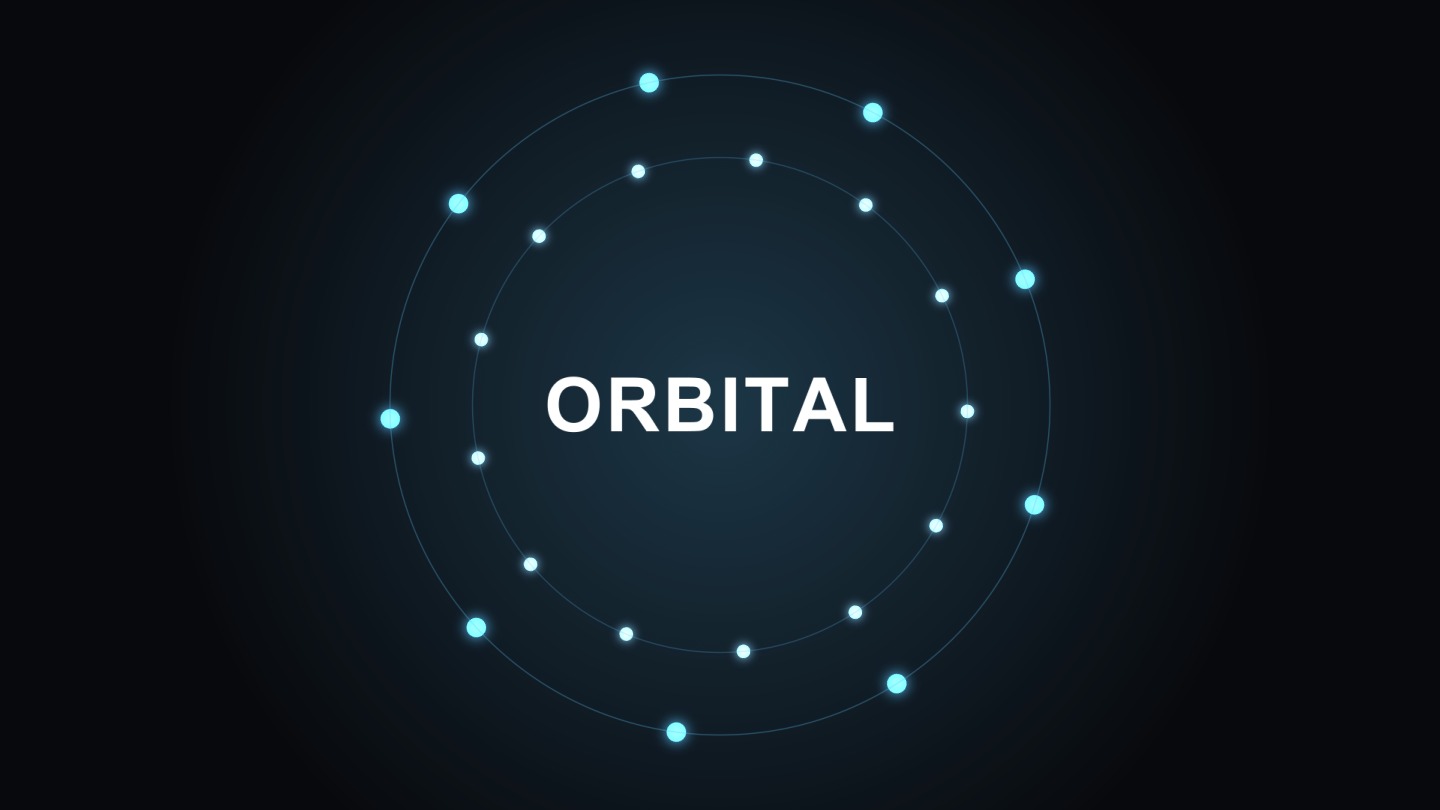
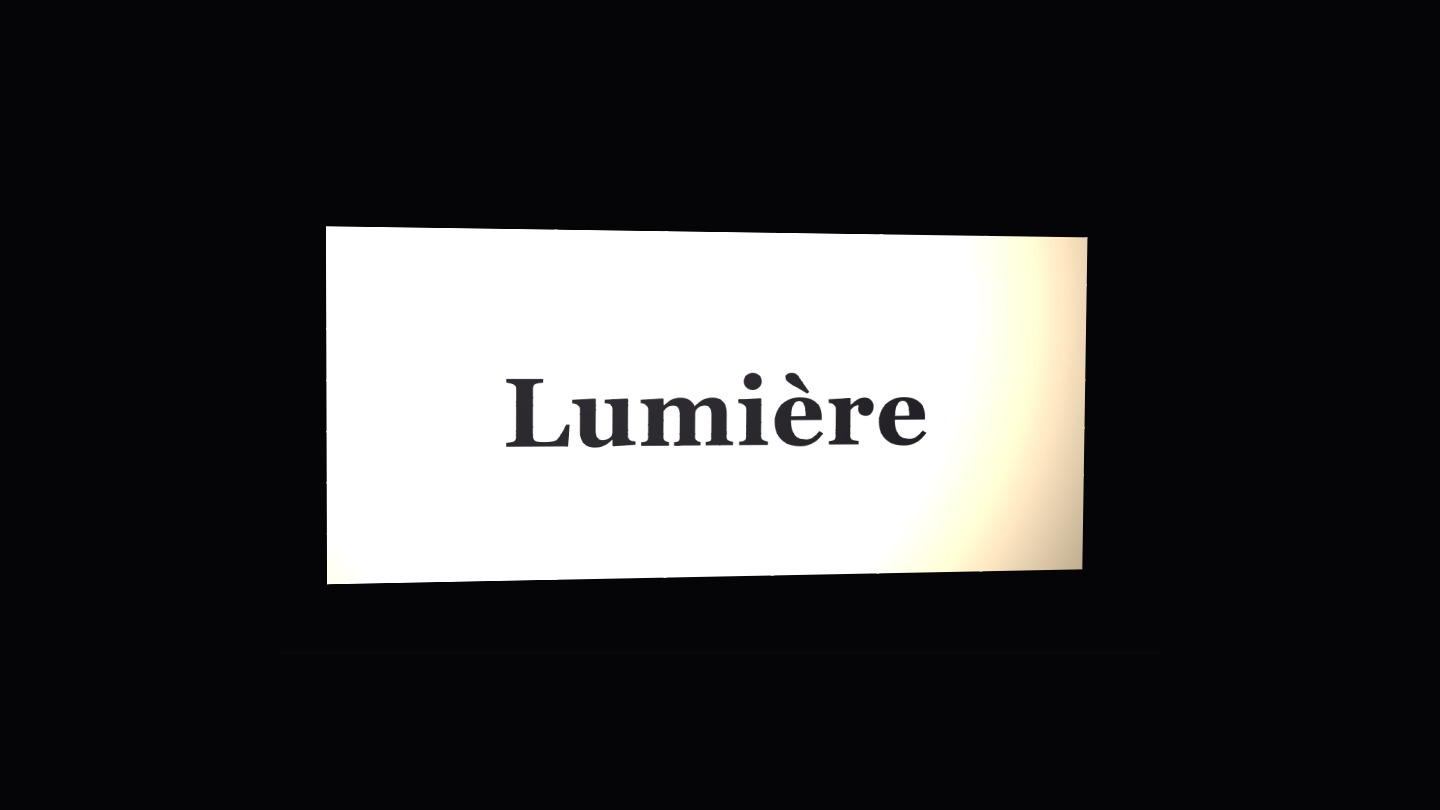
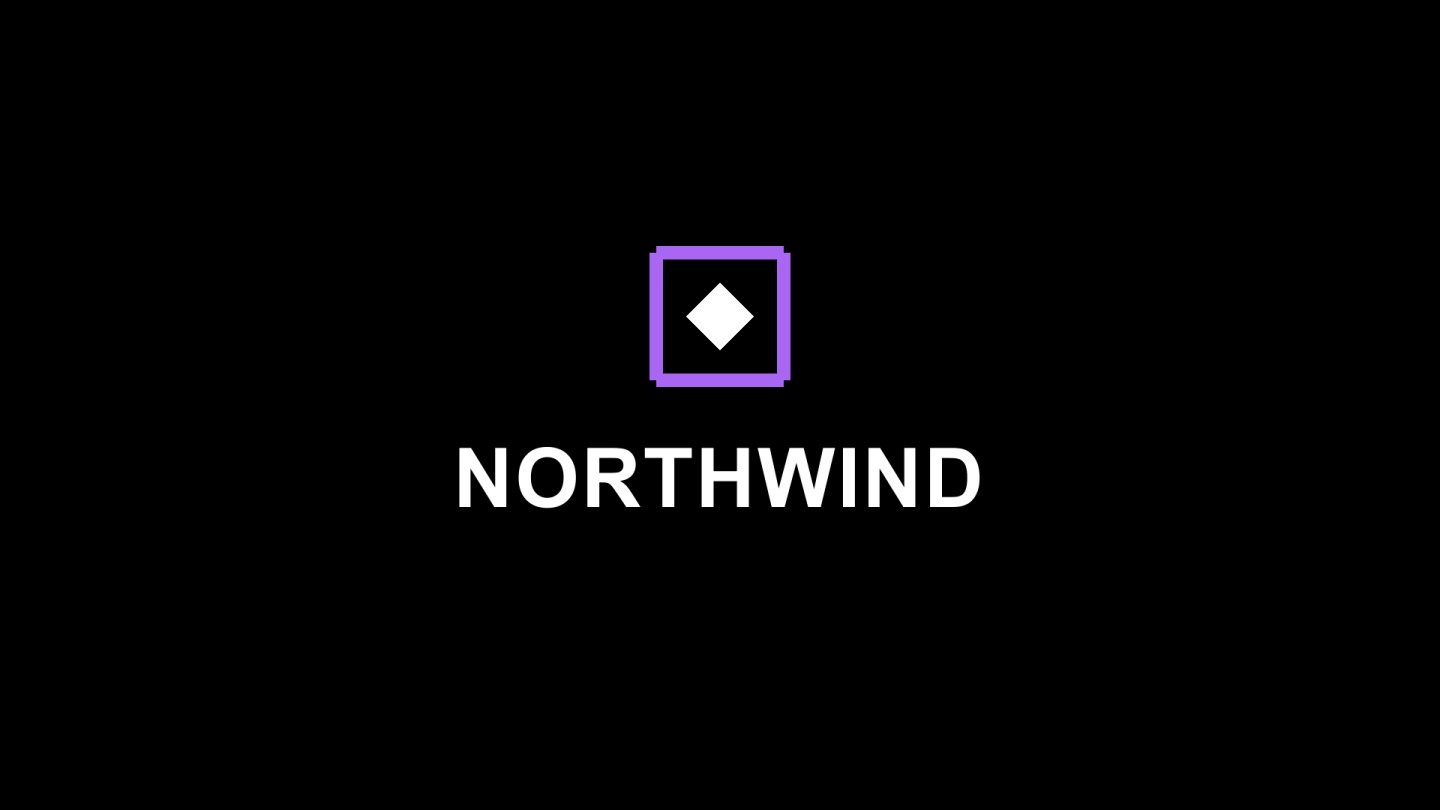


Export a clean animated logo
When it’s ready, export MP4, GIF, or WebM with a real alpha channel so your animated logo drops onto any background — a video intro, a website header, a stream overlay — with no ugly matte box around it. Need a broadcast codec? ProRes 4444 with alpha renders on the render service. Everything else renders right in your browser.
Free to build, $5 to drop the watermark
Designing and animating your logo is completely free, and so is getting a finished file out: free exports are real MP4, WebM, GIF and PNG files carrying a small voicedraw mark in the corner. A subscription of $5 a month removes the mark and adds the pro codecs, with nothing to install and no per-seat license — a fraction of the cost of a desktop motion suite for the same result.
Common questions
How do I animate my logo online for free?
Sign in to voicedraw, import your logo as SVG, PSD or PNG, and either describe the entrance you want — for example "scale the logo in and settle with a bounce" — or keyframe it by hand in the graph editor. Designing is free; exporting the finished animation needs a $5-a-month plan.
Can I animate a logo without knowing After Effects?
Yes. Describe the look you want and the AI copilot builds the keyframes for you. If you want to fine-tune, open the graph editor and shape the easing by hand — but you never have to.
What logo formats can I import, and can I keep a transparent background?
Import SVG (as editable vectors), layered PSD, or PNG. Export MP4, GIF, or WebM with a real alpha channel so your animated logo drops onto any background with no matte box around it.
What kind of logo animations can I build?
Scale-ins and fades, wipe-ons with trim paths, 3D reveals with lights and shadows, orbiting and spotlight reveals, liquid and prism looks, and full title lockups. Start from a logo template or animate from scratch.